Tutorial, Step-by-Step Answer Box Guide

Guide to
Answer Box Optimization

A step-by-step tutorial covering every element of answer box optimization, from identifying opportunity queries to implementing schema, structuring direct answers, and monitoring your position zero wins. Includes real content examples and copy-paste schema templates.
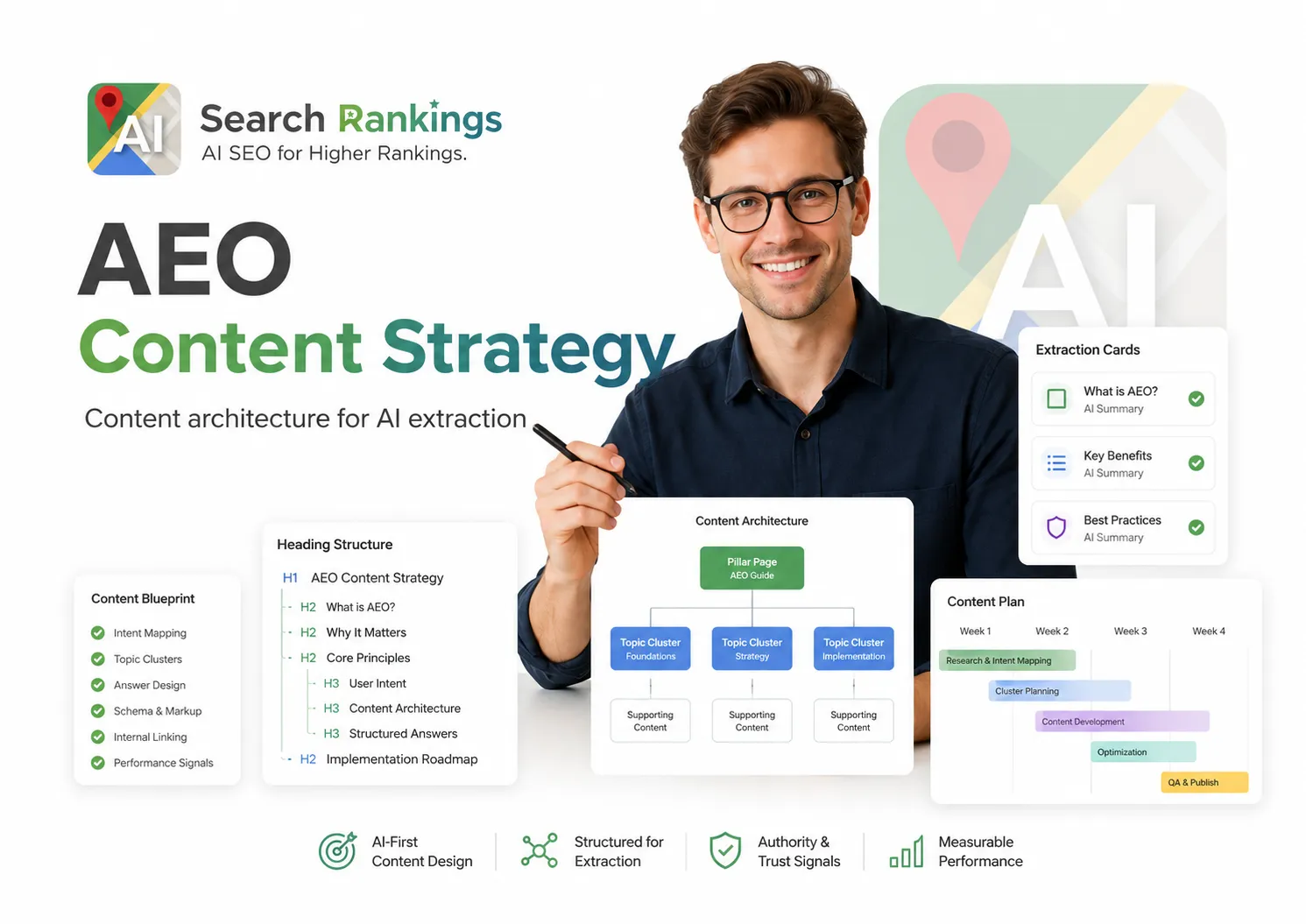
Answer box optimization guide showing content structure and schema implementation for position zero

How to optimize content for Google's answer box: To win a Google answer box (featured snippet), your page must already rank in positions 1 to 5 for the target query, contain a direct-answer paragraph (40 to 60 words) immediately below a question-format H2 heading, implement FAQPage or HowTo schema markup, and have internal links from your highest-authority pages using query-matching anchor text. These four elements are the complete answer box optimization formula, applied correctly to an existing page, they deliver featured snippet wins within 2 to 6 weeks for most competitive commercial queries.

6-Step Implementation

Step-by-Step Answer Box Optimization

Follow these steps in order. Each step builds on the previous one. Do not skip schema validation before submitting for re-indexing.

1

Identify Your Answer Box Opportunity Queries

Use Google Search Console (Performance → filter by position 1 to 5) to find queries where you already rank but don't hold the featured snippet. Manually search each query to confirm which queries trigger a featured snippet and who currently holds it. Prioritize queries where you rank 1 to 3 with high commercial intent, these are your fastest wins.

Pro Tip

Export your top 50 queries from Search Console. Cross-reference against a featured snippet checker to find all queries where a snippet is active but you don't hold it. Those are your immediate targets.

2

Classify the Required Snippet Type

Search each target query manually and analyze the current featured snippet format. Note whether it's a paragraph (narrative answer), ordered list (numbered steps), unordered list (bullets), or table (comparison data). Your content must match the format Google is already rewarding for that query, trying to win a list snippet with a paragraph won't work.

Paragraph

Query pattern: "what is X" / "how does X work"

Format: 40 to 60 word direct answer paragraph

Ordered List

Query pattern: "how to X" / "steps to X"

Format: Numbered

    list, 5 to 8 steps

Unordered List

Query pattern: "types of X" / "examples of X"

Format: Bulleted

    list, 5 to 8 items

Table

Query pattern: "X vs Y" / "price of X"

Format: HTML

with header row

3

Write and Place Your Direct-Answer Block

Add a question-format H2 heading that matches the target query exactly (or very closely). Immediately below it, place a 40 to 60 word direct answer paragraph. The answer must start with the concept being defined or the question being answered, not with "In this article..." or any preamble. Here is a correct before/after example:

BEFORE (Will not win snippet)

h2: Answer Box Optimization <p>In this guide, we'll explore what answer box optimization is and why it matters for your business visibility in 2026.</p>

AFTER (Snippet-eligible)

h2: What is answer box optimization? <p><strong>Answer box optimization</strong> is the process of structuring web content so Google displays it in the featured snippet, position zero above all organic results, for target queries.</p>
4

Implement FAQPage Schema Markup

Add FAQPage schema in JSON-LD format to your page's <head> section. Each FAQ entry should match a question-format heading and its direct-answer paragraph on the page. Here is the standard template:

<script type="application/ld+json"> { "@context": "https://schema.org", "@type": "FAQPage", "mainEntity": [ { "@type": "Question", "name": "What is answer box optimization?", "acceptedAnswer": { "@type": "Answer", "text": "Answer box optimization is the process of structuring web content so Google displays it in the featured snippet for target queries." } } ] } </script>

After adding schema, validate it at search.google.com/test/rich-results before submitting for re-indexing.

5

Push Internal Link Authority to the Target Page

Identify your 3 to 5 highest-authority pages (typically: homepage, services hub, top blog posts with strong backlinks). Add a contextual internal link from each of those pages to your snippet-target page. Use anchor text that closely mirrors the target query, not just generic text like "click here" or "read more."

Example: Internal Link Anchor Text

For a page targeting "what is answer box optimization", link with anchor text like: "answer box optimization guide" or "how answer box optimization works", not: "learn more" or "click here."

6

Submit for Re-indexing and Monitor

In Google Search Console, go to URL Inspection, enter your target page URL, and click "Request Indexing." This initiates a manual crawl that typically processes within 24 to 72 hours. After indexing, check the query in Google manually every 2 to 3 days for the first 3 weeks. Track featured snippet position in your rank tracker for the target queries weekly.

Important

Do not submit for re-indexing until all changes (content + schema) are live on the page. Submitting a partially-optimized page wastes the crawl priority and delays the full optimization signal.

Answer Box Optimization, Common Questions

What is an answer box in Google?
A Google answer box (also called a featured snippet or position zero) is the highlighted content block that Google displays above all organic search results for queries that have a clear, direct answer. The answer box extracts text, a paragraph, numbered list, or table, from a web page and displays it directly in the search results, with the source page attributed by URL and title below the extracted content.
How long should a featured snippet answer be?
The ideal answer length for paragraph-format featured snippets is 40 to 60 words. Google typically extracts answers in this range when pulling paragraph snippets. For list snippets, Google may show 4 to 8 list items. For table snippets, 3 to 6 rows is the typical display range. The critical requirement is that the answer must be immediately accessible, not buried deep in a paragraph or after several sentences of context.
What HTML format does Google prefer for list featured snippets?
Google prefers clean, semantic HTML list markup: ordered lists (<ol>) for step-by-step process content and unordered lists (<ul>) for comparison or categorical content. Each list item should be concise (10 to 25 words per item). The list should appear directly below a question-format heading and should not be nested inside other containers that might interfere with Google's extraction. A clear, simple list structure is reliably more snippet-eligible than complex formatted lists.
Can I optimize for multiple featured snippets on one page?
Yes, and this is one of the most efficient AEO strategies. A single page can target multiple featured snippet positions by including multiple question-format H2 or H3 headings, each followed by its own direct-answer paragraph. Pages with FAQPage schema that covers 5 to 10 questions can potentially win both the main featured snippet for the primary query and multiple People Also Ask positions for related questions. We structure pages this way as standard practice.

Want Expert Help Implementing This?

Our AEO specialists implement this entire process for you, from opportunity discovery to schema validation, and deliver featured snippet wins on 72% of target queries within 90 days.