Your project at a glance
Open it and know where you stand
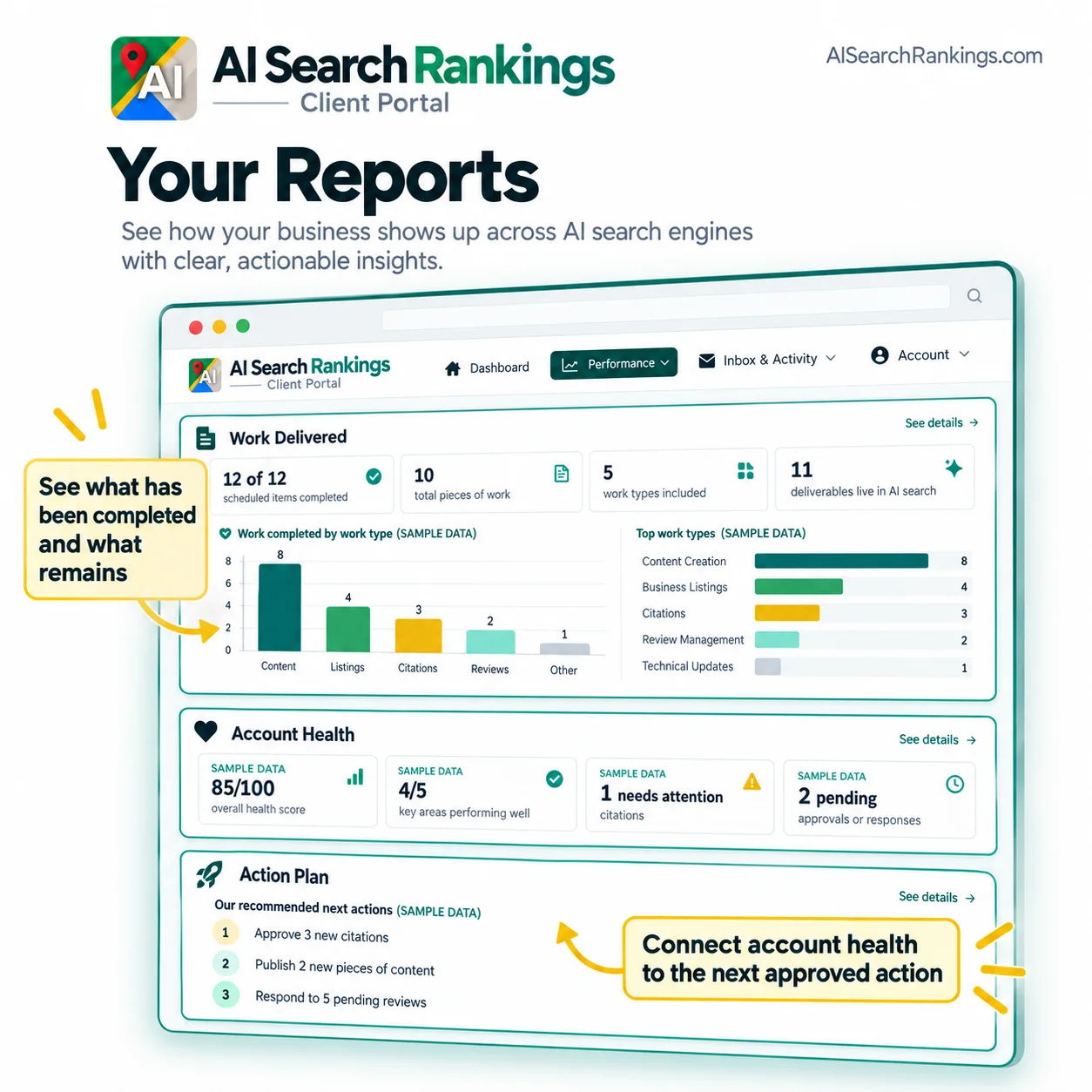
The dashboard opens with the state of your project in plain language, not a wall of charts. You see the phase you are in, what was completed most recently, and the single next action that matters.
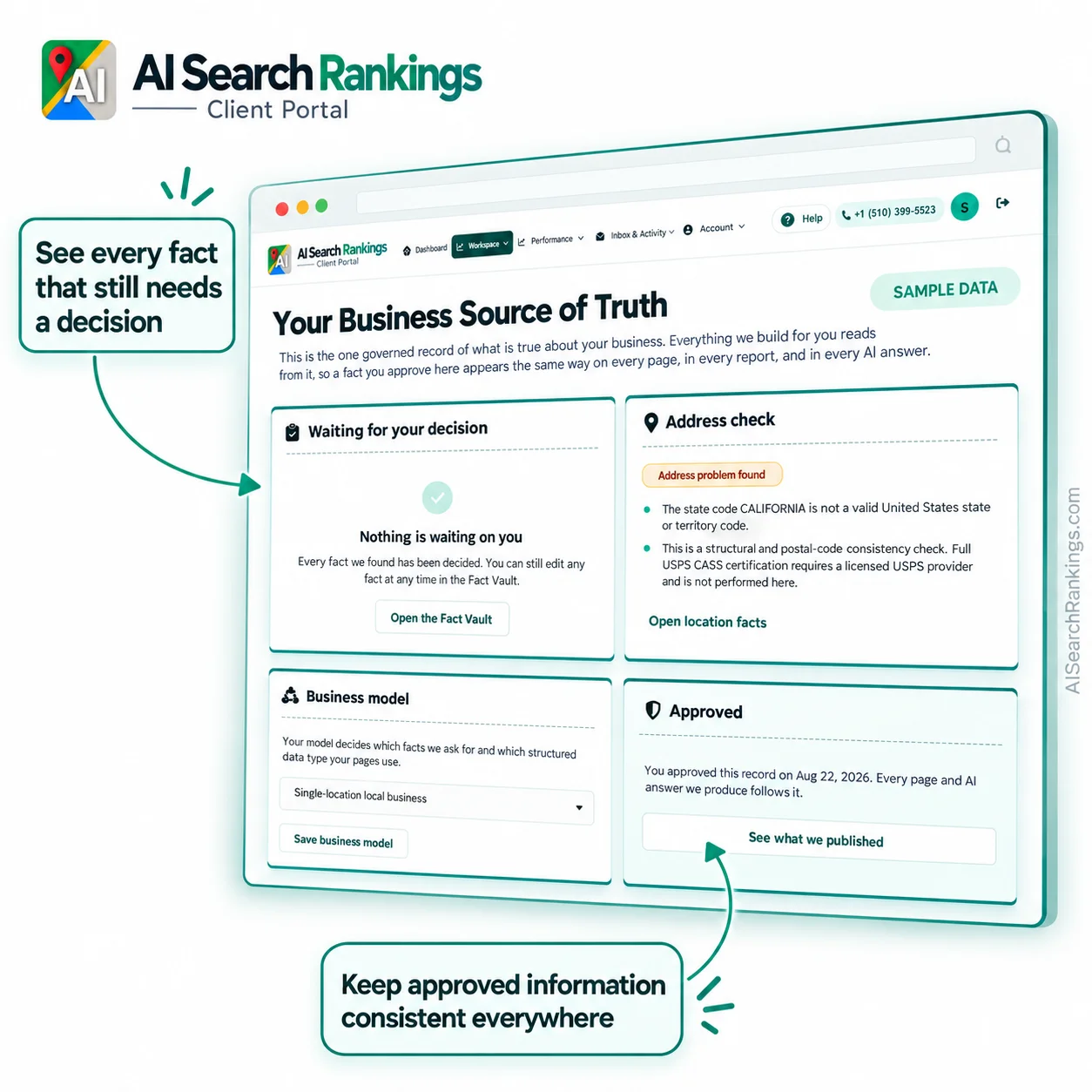
When something needs you, it is at the top and it says why. When nothing needs you, the portal says that too, so you can close the tab with confidence instead of wondering what you missed.
-
The current phase. Where your project has reached, written the way you would describe it to a colleague.
-
Your next step. One clear action, with the reason it matters and what happens once it is done.
-
Nothing needed is a real answer. When there is nothing for you to do, the portal says so rather than leaving an empty screen.